Local library
Play music and video from your Mac, keep their files where they are, and resume what you started.


Vela Cinema 0.26.5 · macOS 14+ · Apple silicon preview
A private player and library for local music and video, built around your files instead of a remote catalog.
Play music and video from your Mac, keep their files where they are, and resume what you started.
Voice control, recommendations, and AI DJ work from local facts and stay within the device boundary.
Video, music, remote control, ambient light, and optional processing stay in one native macOS application.
AIR inside Vela
Vela in use
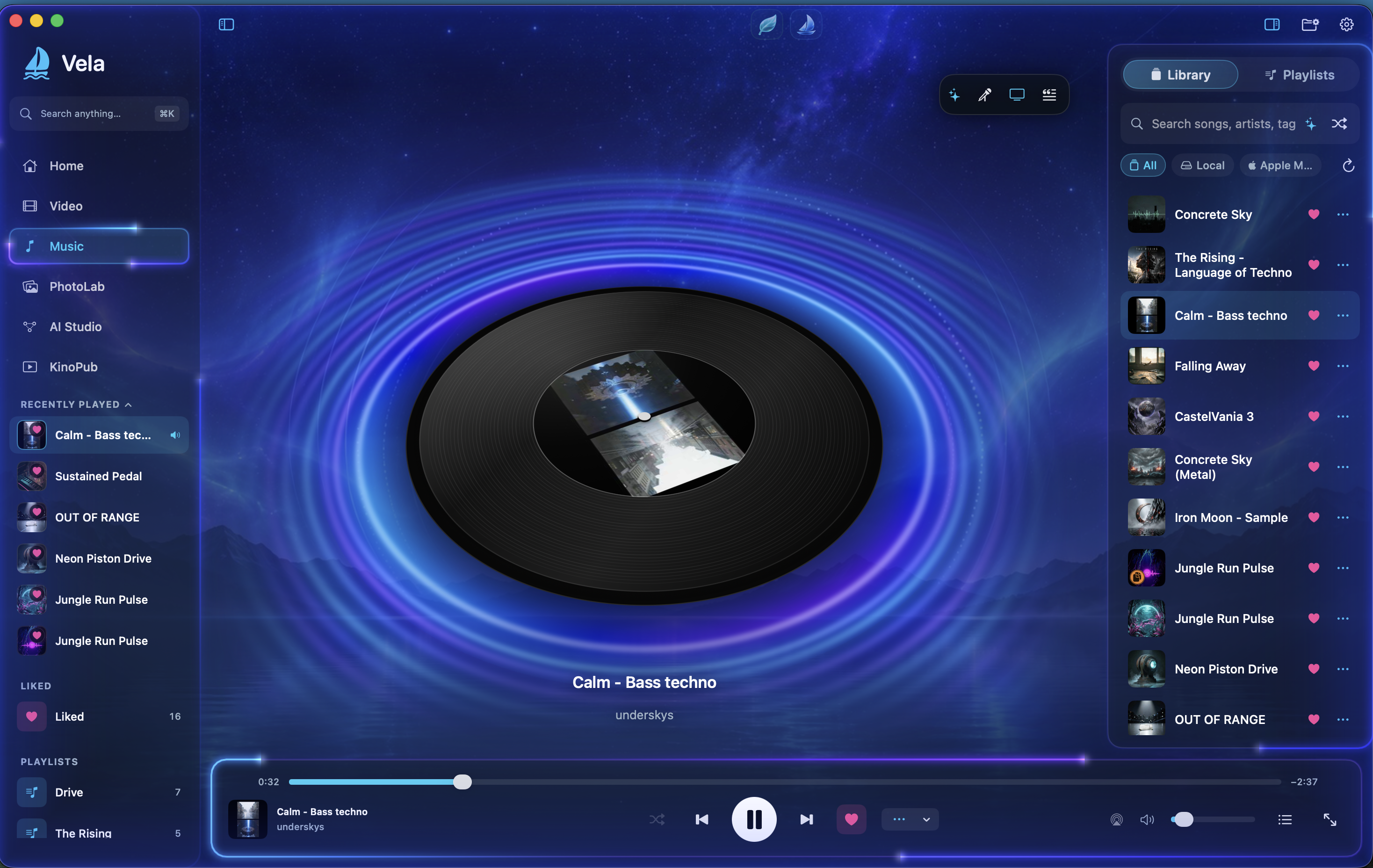 Open full-size screenshot
First launch
Preview distribution
This DMG is ad-hoc signed for preview testing and is not notarized by Apple yet. If macOS blocks it after you move Vela to Applications, open System Settings → Privacy & Security, find the Vela security message, choose Open Anyway, authenticate, then confirm Open. Do not disable macOS security globally. Developer ID signing and notarization remain required for public distribution.
Licensing
Vela is source-available software. It is not open-source software. Personal and noncommercial use is permitted under the PolyForm Strict License 1.0.0. Modification, redistribution, derivative works, commercial use and competing products require prior written permission.
Vela © 2026 Dmitriy Shtro. Built with AIR, created by Dmitriy Shtro. AIR supplies verified, fail-closed remote authorization and synchronization policies; it does not process Vela media bytes, video frames, or audio samples.
LicenceEULAAIR attributionThird-party noticesCommercial licensing