
Whether each action requested through the Studio broker may run: file reads and patches, git, tests and builds, worktrees and packaging. It also decides graph checkpoints.
Public alpha preview · Apple silicon · tested on macOS 27.0.1
AIR Studio
A local workspace for project context, reviewed agent work, and explicit engineering decisions. AIR evaluates declared policy facts; Studio and its host retain files, tools, credentials, and release authority.

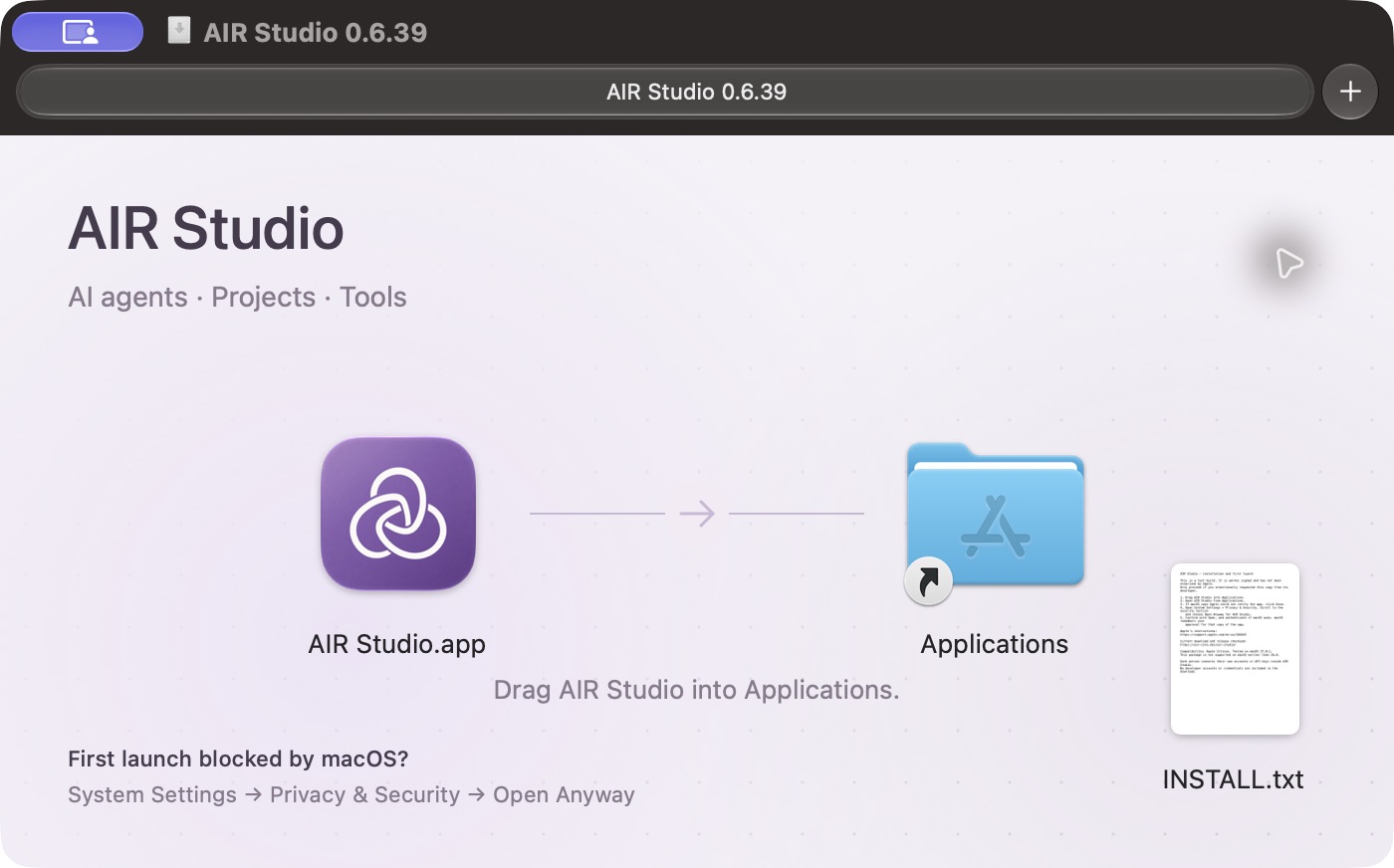
AIR Studio 0.6.39
Test build, not Apple-notarized. First launch may need Privacy & Security → Open Anyway. Instructions are included.
Download DMGSHA-256First launchPublic alpha
Try the current Studio build.
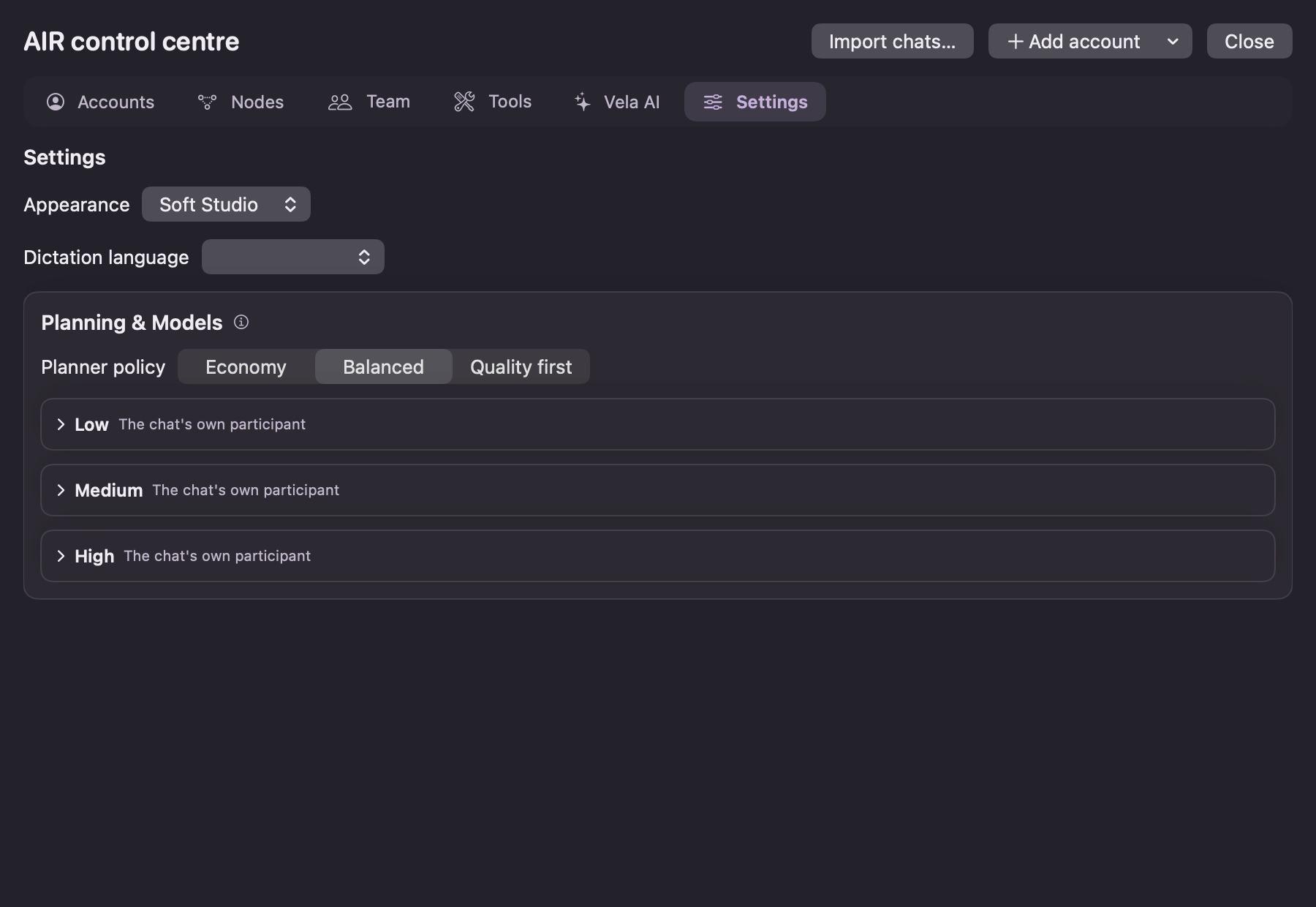
Version 0.6.39 introduces the Soft Loop icon and Soft Studio, a quieter appearance with muted plum surfaces and lavender accents. Routine badges and repeated controls are reduced; decisions and failures remain explicit. Existing appearance choices are preserved. This is an alpha, and it is not Apple-notarized.
After dragging AIR Studio into Applications, macOS may block its first launch. Open System Settings → Privacy & Security, find the AIR Studio notice, choose Open Anyway, then confirm. Do not disable Gatekeeper globally.
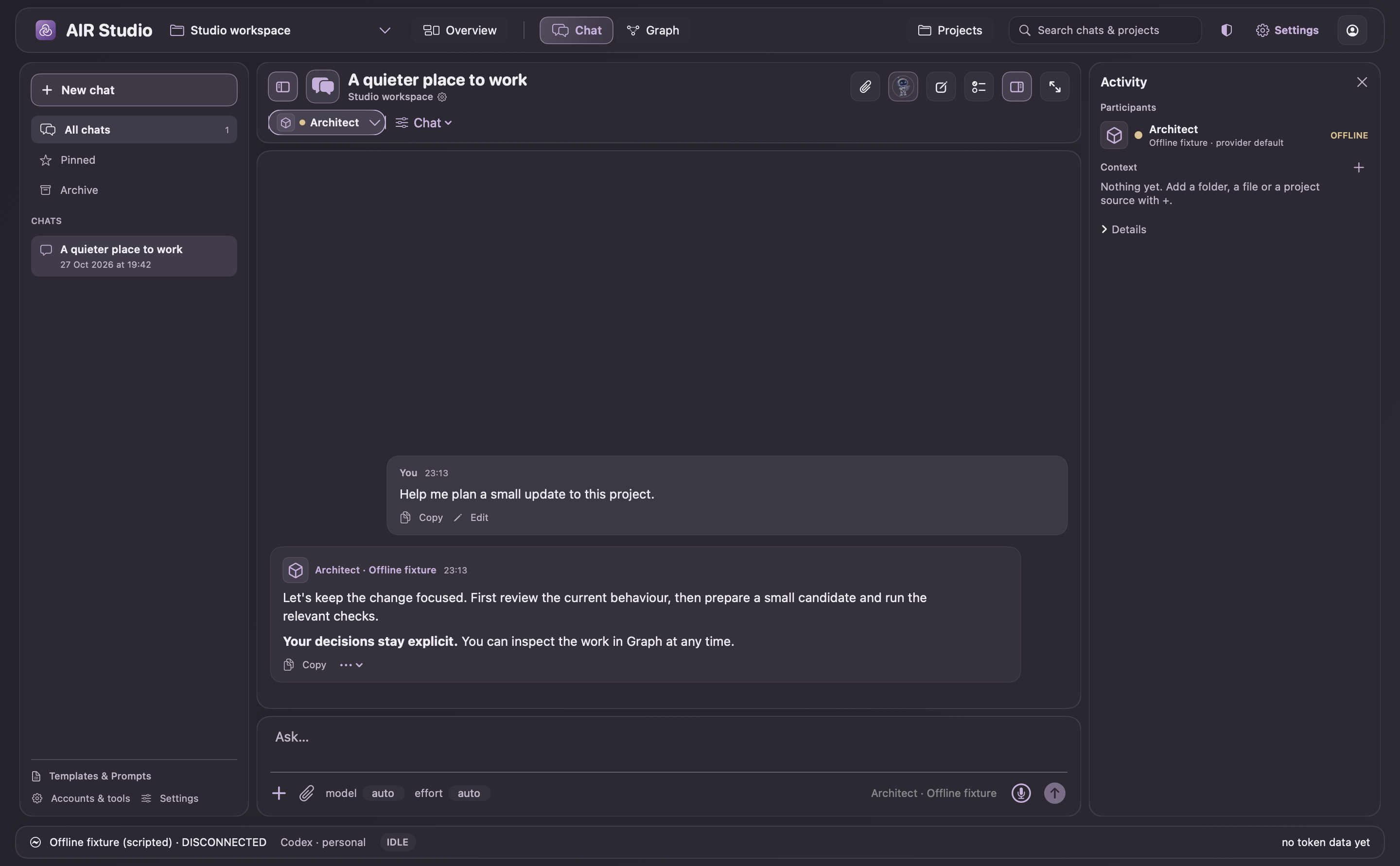
Inside Studio
Your projects, providers, and agents.
Connect your coding assistants, choose a project, and start working. Chats and the project graph share one workspace, with review checkpoints for changes.
Built with AIR
AIR narrows decisions. Studio performs reviewed work.
AIR Studio composes bounded AIR policy checks into local engineering workflows. AIR evaluates declared inputs, policy facts, and deterministic outcomes; the native host performs actions only after it has rechecked current state.
Project context, workspace UI, candidate evidence, and requests to the host broker.
Every public release still needs artifact validation and human approval.

Release flow
Prepared for a reviewed automation path.
Studio produces a candidate build and its evidence.
The Node publisher copies an approved DMG and writes a SHA-256 release manifest.
The VPS activates a staged static release only after checks and human promotion.
The Node publisher is in this demos repository. The Studio-to-publisher handoff is intentionally not automatic: it requires a reviewed artifact and human promotion rather than a free-form model action.